|
eXtreme Movie Manager
Manage all your
Movies / TVShow in your Hard Disk, USB Devices, Original DVD, Blu-Ray Discs, VHS
and more!
 |
All New
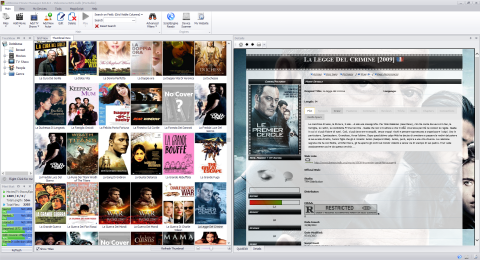
Design, XMM has been rewritten from scratch.
Now you have More Skin to choose and a
new clean and simple Interface |
|
|
|
Catalog your Ripped Movies by Simply Scanning
your Devices...
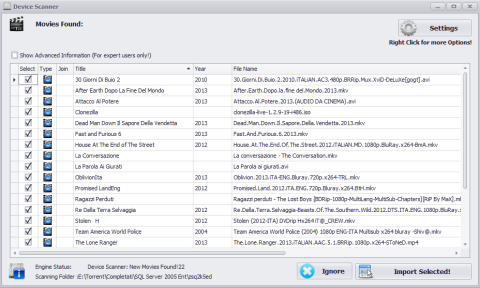
Device scanner is new, now is more smart
and can automatically catalog all your collection (Ripped Movies, DVD, Blu-Ray,
NAS, Networked Media Tanks ecc...) |
 |
|
|
|
 |
We love
TV Shows, We have made the new Device Scanner able to catalog
automatically all your collection.
Collecting TV Series is now just a click
away. With the built-in functions to extract automatically TV Shows Title,
Season, Episode number and Episode Titles will really extremely easy add
everything to your database. |
|
|
|
New MagicScript Engine!
Import all information from internet like cast, crew, pictures, fanart, trailers
is now more easy.
XMM will work in background, will import all movies info from your favourite
website automatically. You have just to add Movies, the other things will be
managed by XMM. It will prompt you only in case there are more sources for a
movie |
 |
|
|
|
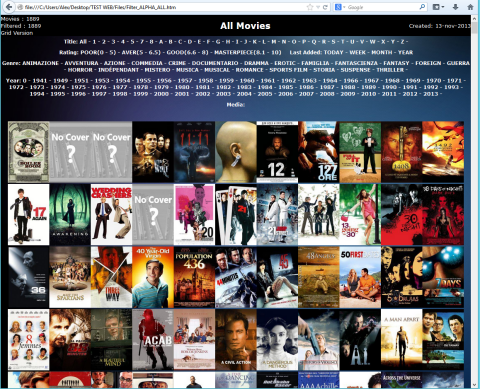 |
Browse you collection ONLINE, anywhere and share with your friends!
With the "My Website" function you can create your collection in one click.
With the built in FTP Manager XMM will take care of uploading everything
in your server, automatically
Click Here to see how to do that with DropBox! |
|
|
|
Beautiful movie details page using Fanarts as background.
Fanarts are automatically download by XMM with Scripts like THEMOVIEDB |
 |
|
|
|
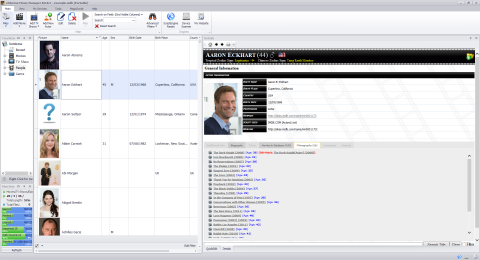 |
Complete Actors, Directors, Producers etc...
database, with information downloaded automatically from Web |
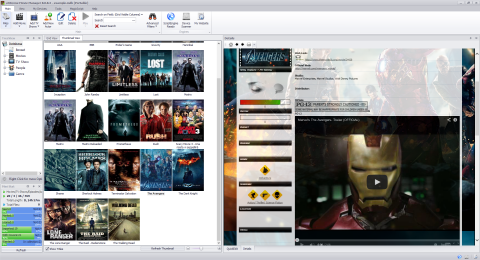
Watch Trailers direcly with XMM
Import the trailers with scripts in your
language and watch inside the MovieCard. |
 |
|
|
|
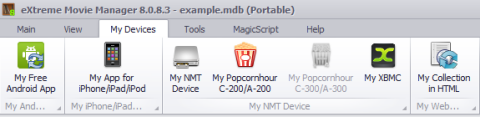 |
Powerful
tools! We have made powerful tools to export your collection in Android,
iPhone, NMT Devices, XBMC etc... |
|
|
|
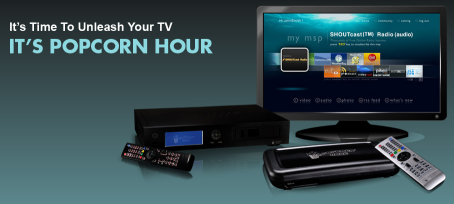
Browse your collection in Popcornhour Products! (Work also with other
NMT)!
With the built in My NTM Device Function XMM will create webpages and
will sincronize with your NTM. |
 |
|
|
|
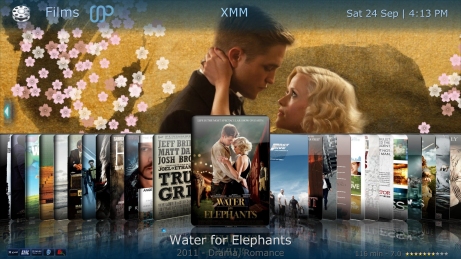 |
Browse your collection in MediaPortal (with MyFilms plugin)
Export your collection in XML, My Films will read it and show your collection! |
|
|
|
|
|
|
Export your collection to Android or iOS Devices.
You can choose from Free Android APP or More Complete Solutions, Look
Here for more details |
 |
|
|
|
|
|
|
|
|
|
|
|
|
|
|
|
|
|
|
|
|
|
|