Link Files to Movies
If you have already a movie in database and you want link a file to it (maybe because you have not use the Scan Hard Disk) you can do it manually in several ways.
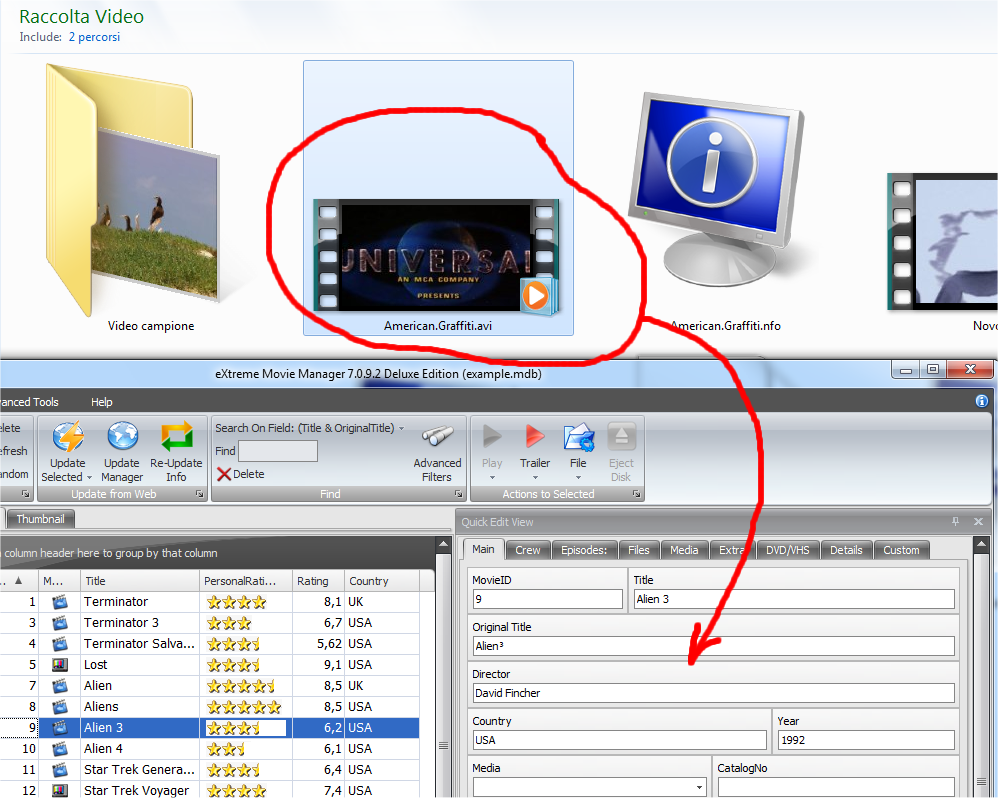
Mode 1: By drag & drop the movie file to the Movie QuickEdit window:
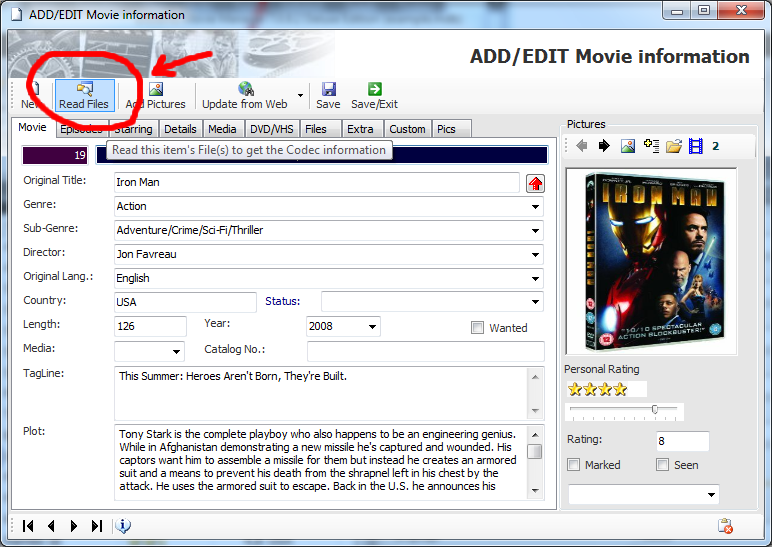
Mode 2: Open the Edit window of a movie and then press "Read Files":
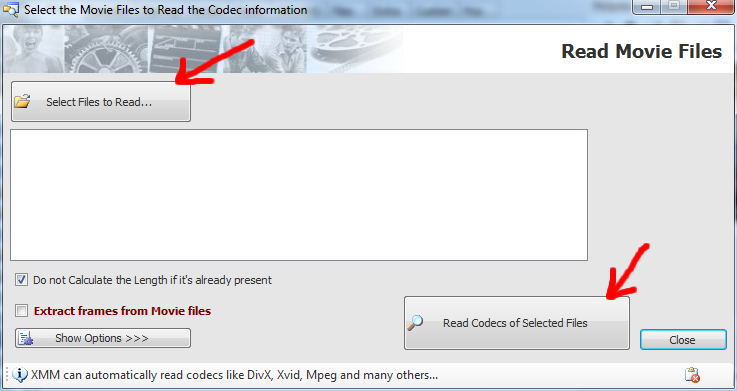
Now, in the Read Movie Files window just press the "Select files to Read button"
to select the files you want link to the movie and "Read Codecs of Selected
Files" to read all information and link it