Backup a Database
You can make a backup of your Database
automatically or Manually
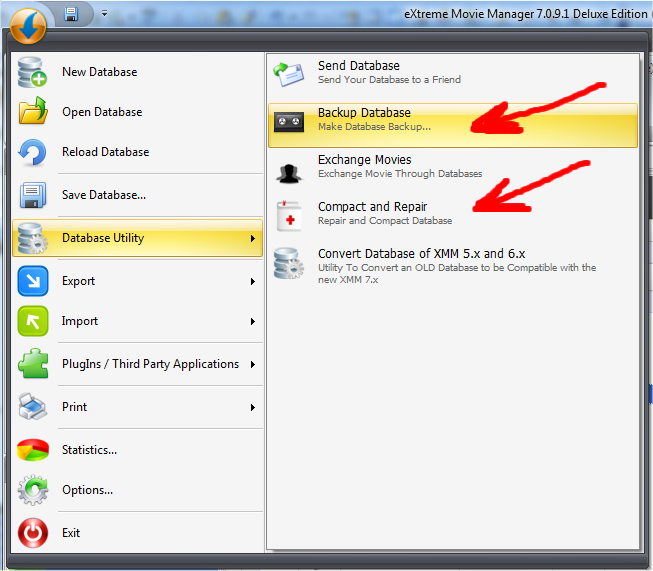
If you want make it automatically just click on the ORB at top left and go in
the "Database Utility submenu". Now click on Backup Database.
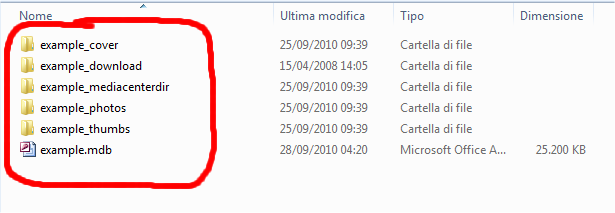
You can also backup your database Manually
In this case just copy the MDB file and ALL Subfolders that contains the pictures: