Add Movies from CD/DVD
If your collection is saved on CD or DVD (Avi,
Divx, Xvid etc..) then you can use this function to quickly add movies to
database.
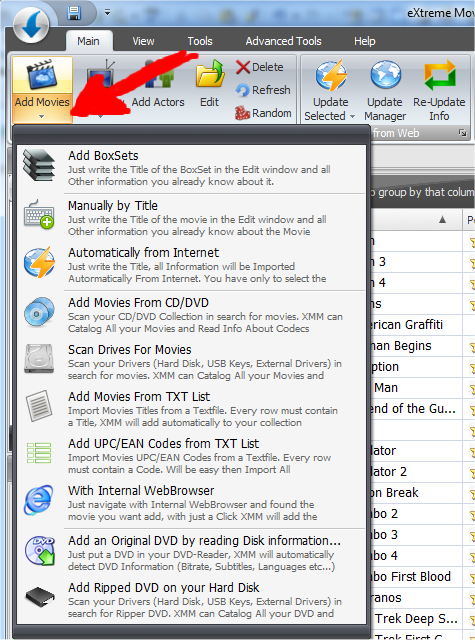
Click on the Button "Add Movie" to show the submenu and select "Add Movies
from CD/DVD"
In the next window you have to select the Drive where you will load your CD/DVD
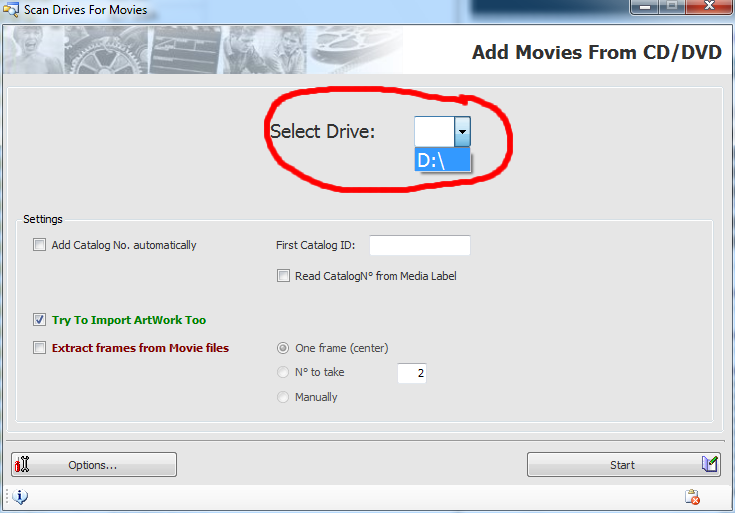
Available options:
Add CatalogNo automatically: If you select this option XMM will give a
Catalog number automatically to your CD/DVD, to better indentificate it. You can
specify if you want start from a specified number of if you want read this
Catalog N° directly from the CD/DVD Label.
Try to Import ArtWork too: If checked XMM will try to find pictures of the movie, in the same folder where the movie is stored in. XMM will search for any Image file like BMP, JPG, GIF etc...
Extract frames from Movie Files: If checked XMM will try to save frame pictures from the Movie File.
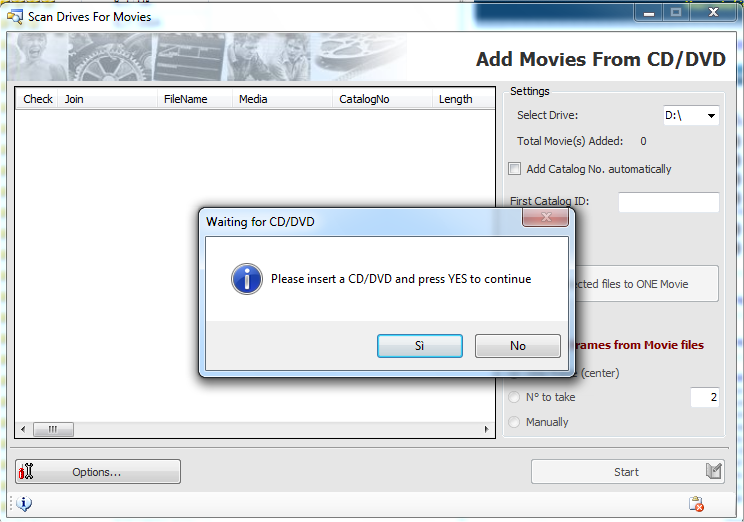
Once finished to analize a disk XMM will ask for the next disk:
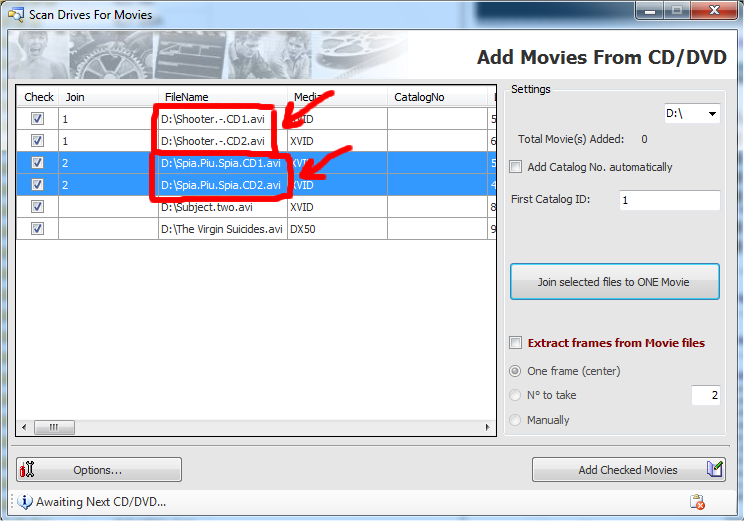
If a movie is splitted in 2 or more files XMM will automatically detect it and will create only one Item in the Database but with all links to all movie files.