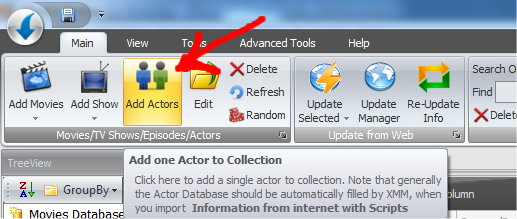
Add Actors Automatically from Internet
Usually Actors are added to database automatically when you import the movie information from Internet. Btw, if you want add a new actors and update all info automatically click on the Button "Add Actors" in the Main menu:
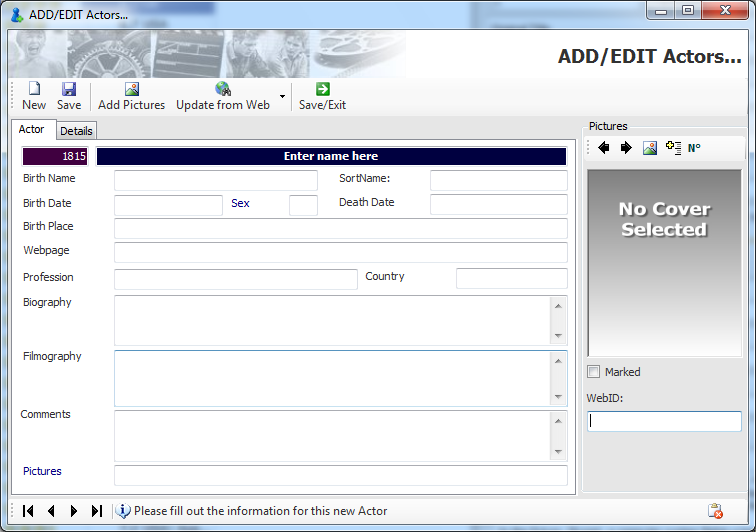
Now Just write the Name of the actor and press Update from Web:
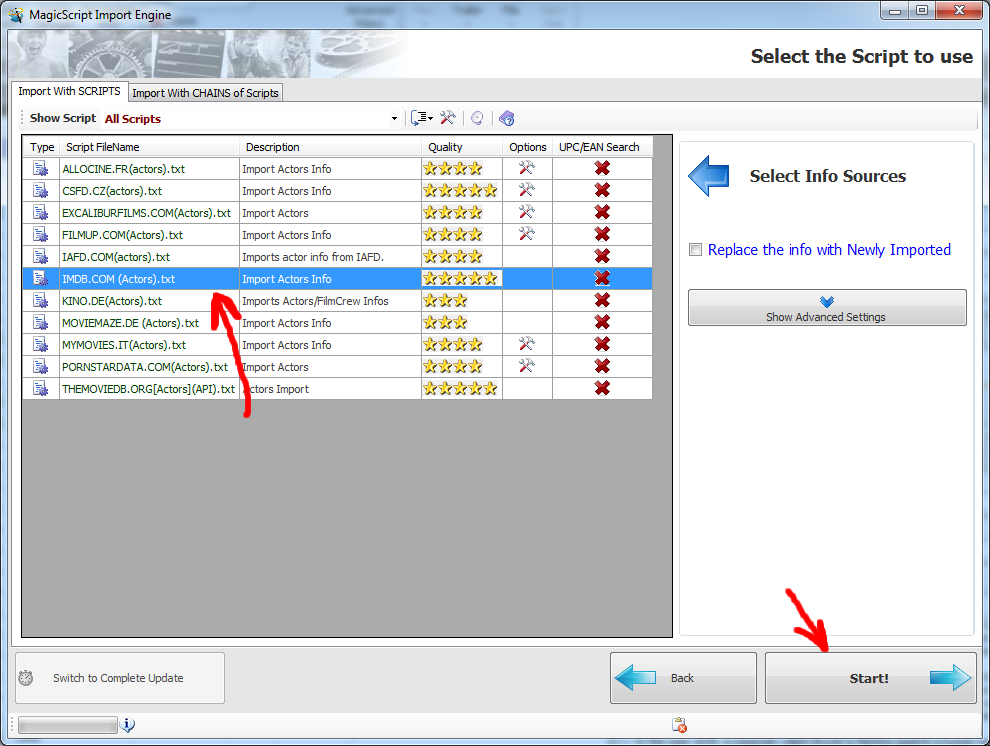
Now select the SOURCE of your information. You can select from many websites:
If you want setup advanced Settings click on the "Show Advanced Settings" button
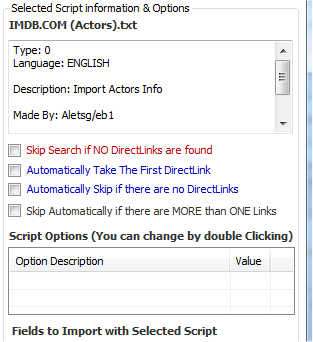
Skip Search if NO Directlinks are found: If checked XMM will skip the seach a movie if NO DIRECTLINKS has been found (without your intervention)
Automatically Take the First Directlink: If checked XMM will take the first movie found, without let you select nothing. Its better to keep this off because XMM could take the wrong movie.
Automatically skip if there are NO directlinks: If checked XMM will skip the seach a movie if nothing has been found (without your intervention)
Skip automatically fi there are MORE that ONE links: If checked XMM will import only movies that have only one result in the search.
Script Options: These options are saved directly in the Script, are particular settings of the selected script
By pressing START the Search will start:
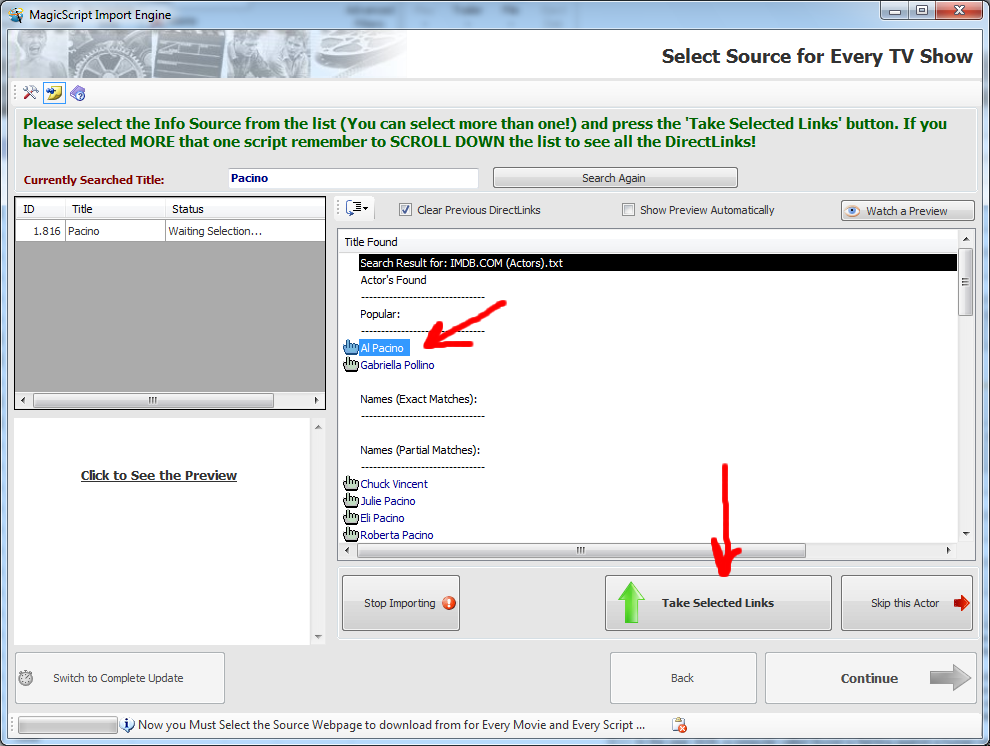
In the Red Box there are the RESULTS of the search, as you can see many items has been found. Now just click on "Al Pacino" to select it and press the button "Take Selected links" to continue.
If you press "Watch a Preview" XMM will open the website of the actor you select, to check if is the one you want.
When you have select the link the import will start.